Settings
E-Mail Settings
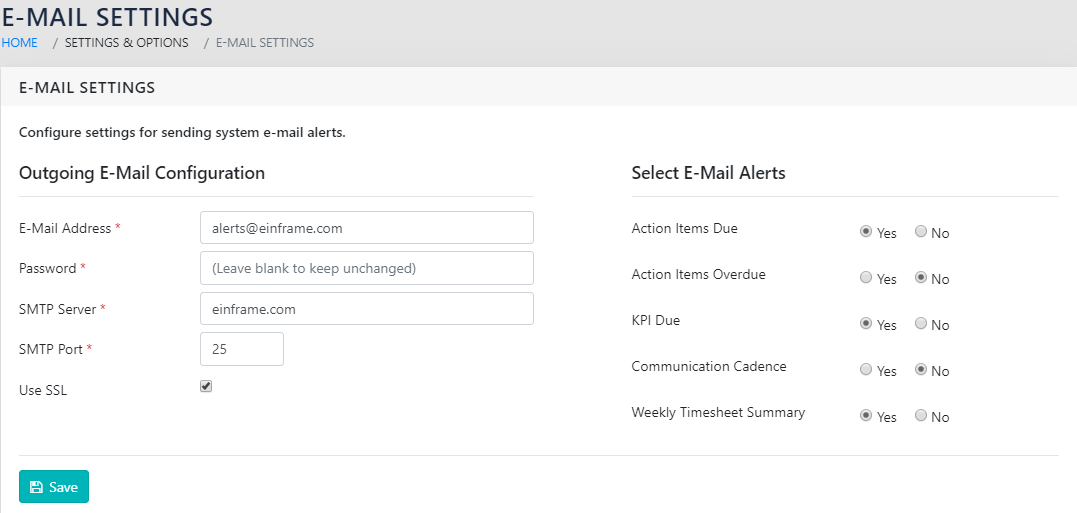
The application has the facility to send emails to remind users for pending Action Items, Communication Cadence Items and others. The outgoing Email SMTP credentials need to be configured in the application for this to work. This is achieved using “Email Settings” as shown in Figure 8: Email Settings.
To navigate to the same, click on
Settings and Options >> E-Mail Settings
Logs For Administration
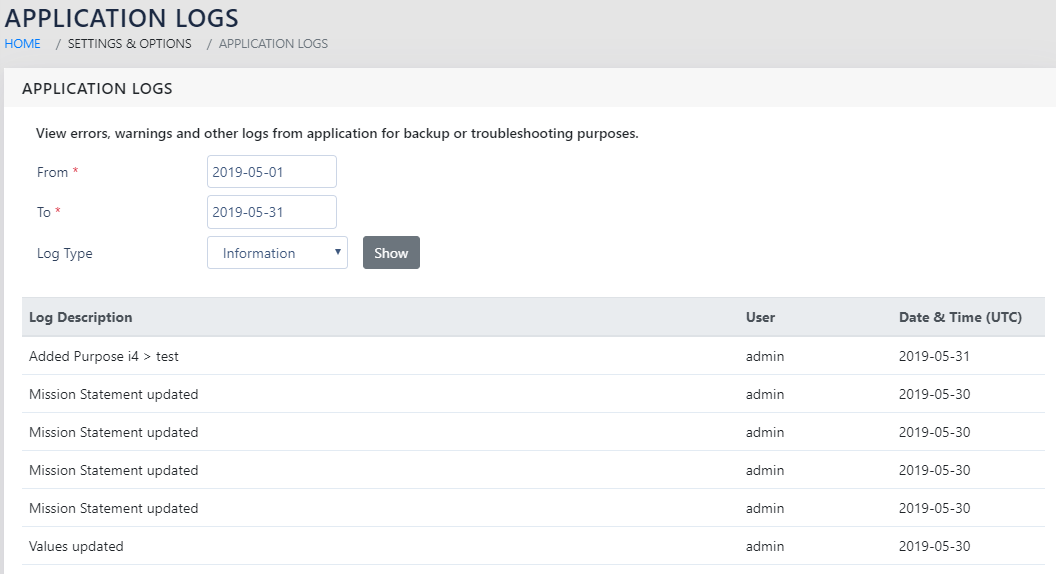
The application maintains detailed logs (Figure 10: Admin Logs-View and Figure 9: Admin Logs-Selection) of the user actions on the web Application. These are accessible to the admin for maintaining the audit trail and to facilitate troubleshooting and debugging.
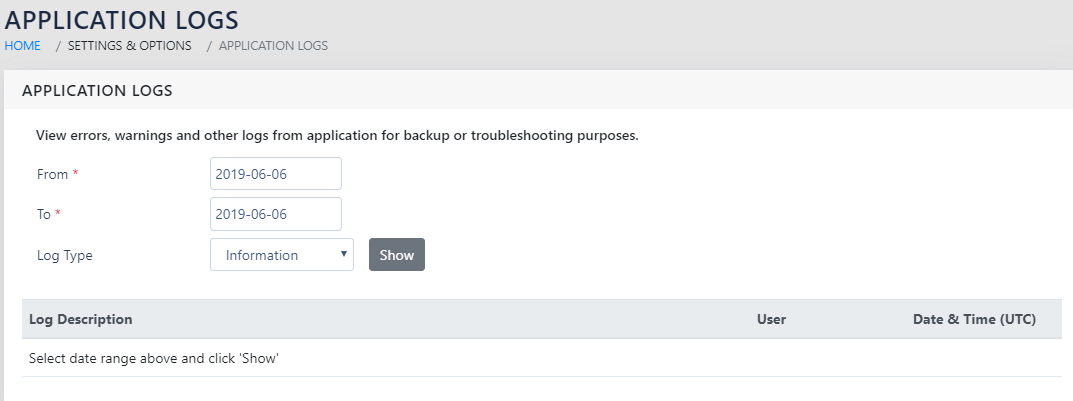
The Logs can be filtered to select date ranges and the Type of Logs. This will bring up the logs on screen with the description, User and the Date and Time of Action (in UTC), as shown in Figure 10: Admin Logs-View.
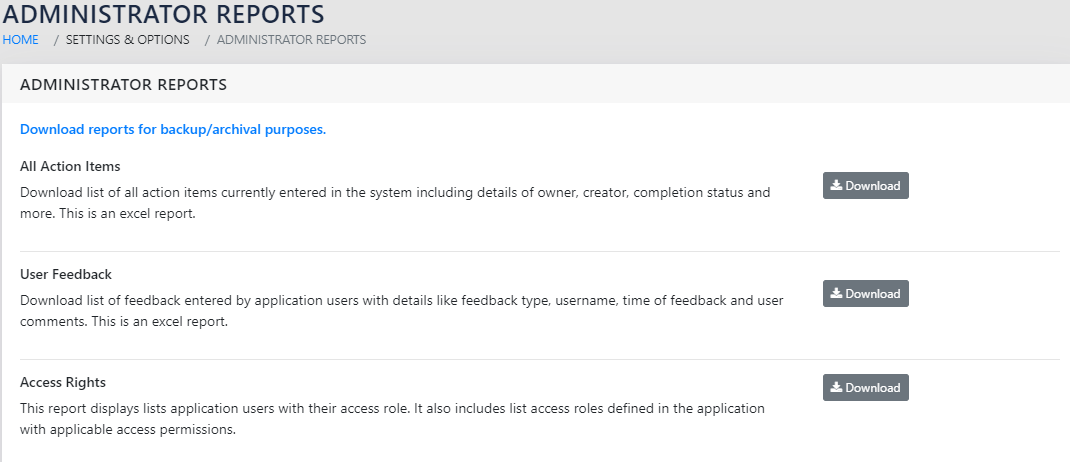
REPORTING FOR ADMINS
You can navigate to this by going to:
Settings and options >> Administrator Reports
DATA REPORTS
The administrator has an option to export all data captured with a certain module, irrespective of access rights and controls. Data reports (Figure 11: Reporting for Admins) will export the data on demand.