Logging In
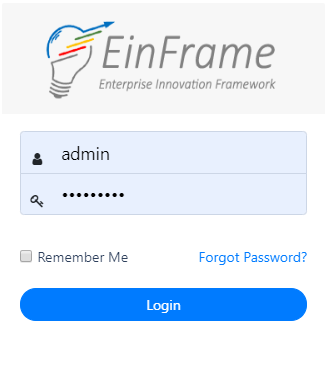
Open the Web Application and Enter your Login Credentials (Figure 1: Login). The Login credentials are protected using state-of-the-art AES256 hashing at the backend so that no-one, including the developers, can access those.
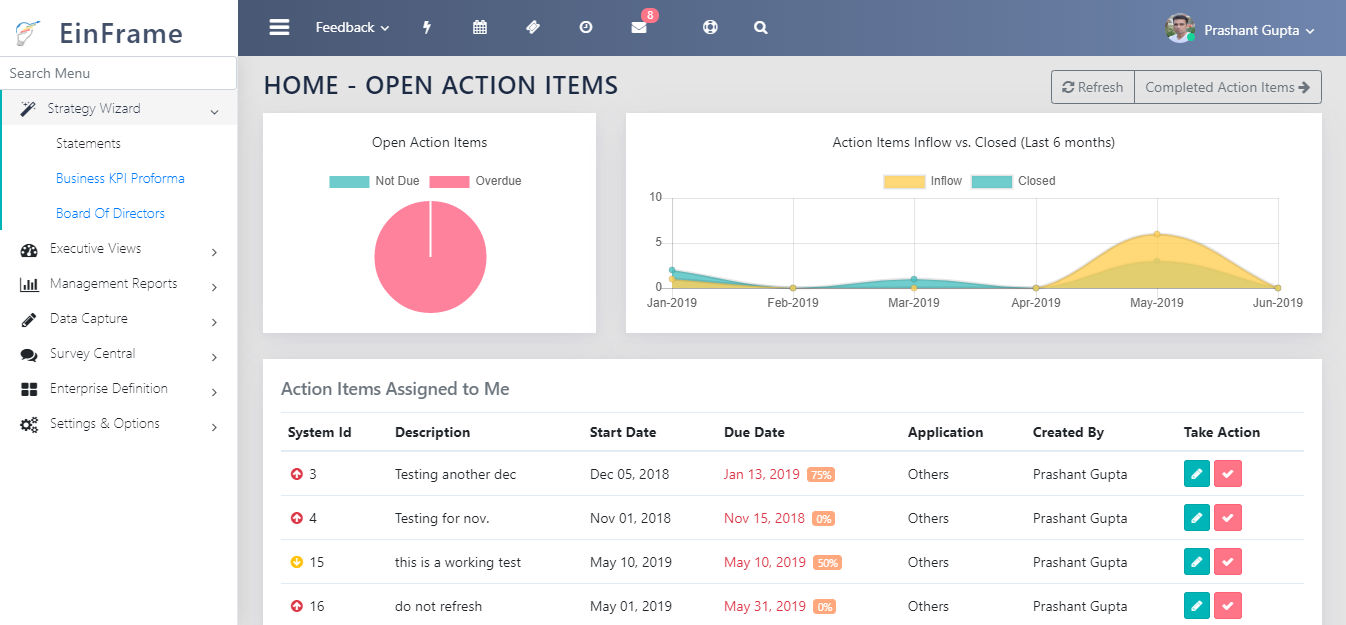
If the Credentials are correct, the user lands on the page shown in Figure 3: End User License Agreement Page on the first login and the page similar to the one shown in Figure 4: Application landing Page on subsequent logins.
If you have forgotten your password, or have trouble logging in, you can contact your admin. The admin can assign a new password to you. See section “Password Reset”