Password Reset
Only an administrator can reset the passwords of users. To change the password of the user, go to
Enterprise Definition >> Internal >> Employees.
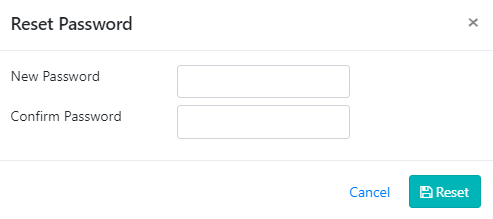
Click on the icon next to the employees name. Click on the Reset Password button towards the bottom right of the page. The application asks for the new password twice as shown in Figure 5: Forgot Password?. Enter the new password and communicate the same to the employee.